Hit your AI usage limit?
Don't wait awake. Automate.
Claude says "usage limit reached". ChatGPT wants you to come back in a few hours. AI Limit Breaker schedules your next click and your next prompt for the moment the limit resets, so the work continues while you sleep.
100% free, and I'm giving away everything: the ready-to-run app, the full documentation, and the complete source code.
All three unlock after a 60-second, anonymous, click-only survey. See how it works first →
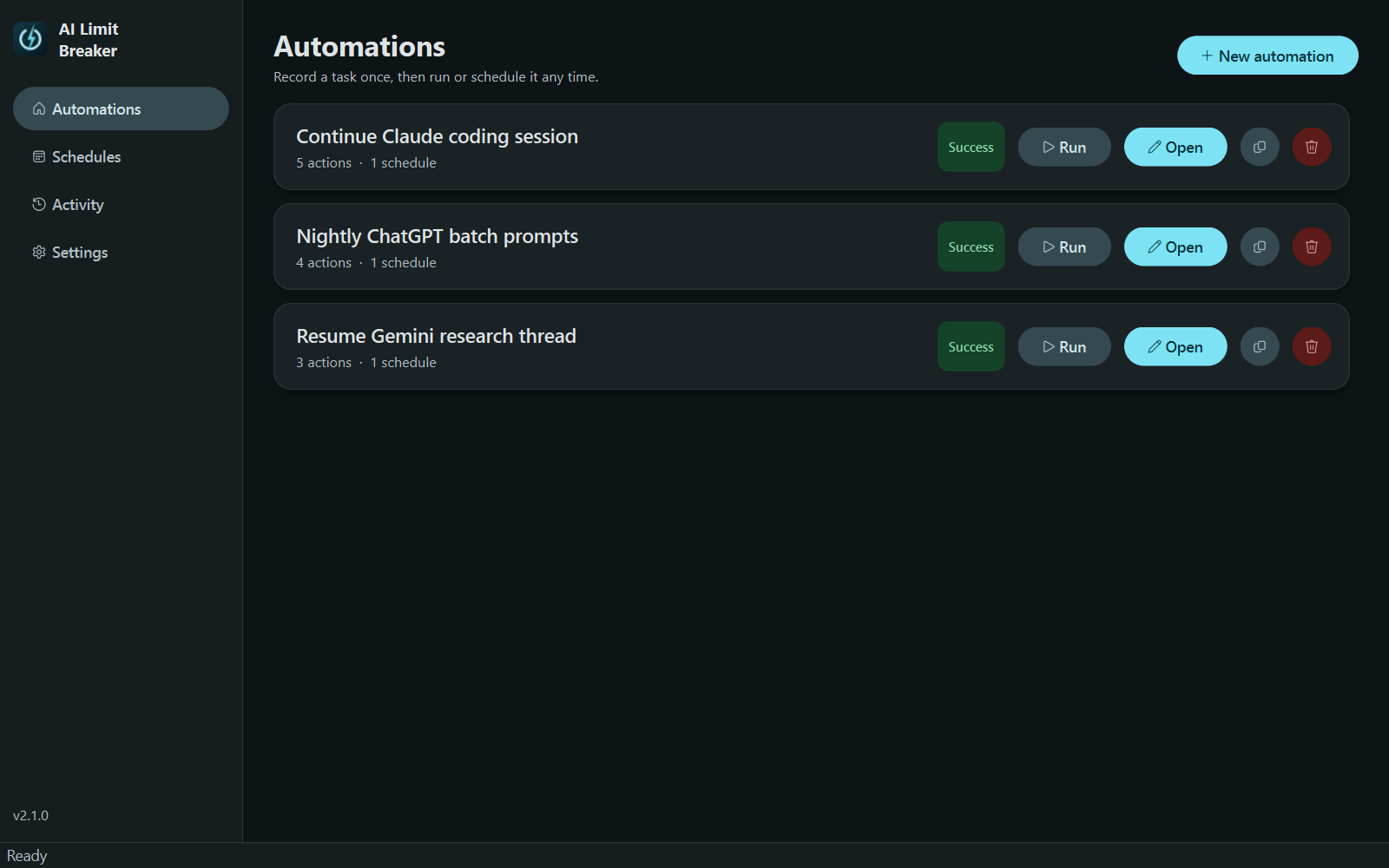
What it does
⏰ Waits so you don't have to
Schedule a click for 2:00 AM when your Claude or ChatGPT limit resets. Once, daily, or weekly.
⌨️ Sends the next prompt
The text step types or pastes a follow-up prompt like "continue where you left off", plus any extra context you want to add.
🖱️ Clicks like you would
Record clicks, keyboard shortcuts, waits, and window focus. Multi-monitor and display-scaling aware, so clicks land exactly where you recorded them.
Why people use it
Stop losing hours to "come back later". AI usage limits reset at fixed windows, usually while you're asleep. Instead of staying up to press one button, record the button once and let AI Limit Breaker press it for you.
Works with anything on your screen: Claude, ChatGPT, Gemini, Copilot, Cursor, Perplexity, local LLMs. If you can click it, you can schedule it. An emergency hotkey (ctrl+alt+esc) stops any run instantly.