How it works
AI Limit Breaker replays your own clicks and keystrokes on a schedule. Record once, schedule for the limit reset, and the session continues without you.
Record what "continue" looks like
Create an automation and add actions: bring the Claude/ChatGPT window to front, click the chat box, paste a follow-up prompt (add any extra instructions the model will need), press Enter. Auto Record captures the whole flow in one pass.

Schedule it for the reset
Claude's 5-hour window resets at 2 AM? Schedule 2:01 AM, repeat daily. Every schedule has its own on/off switch and shows the next run time.

Sleep. Check results in the morning.
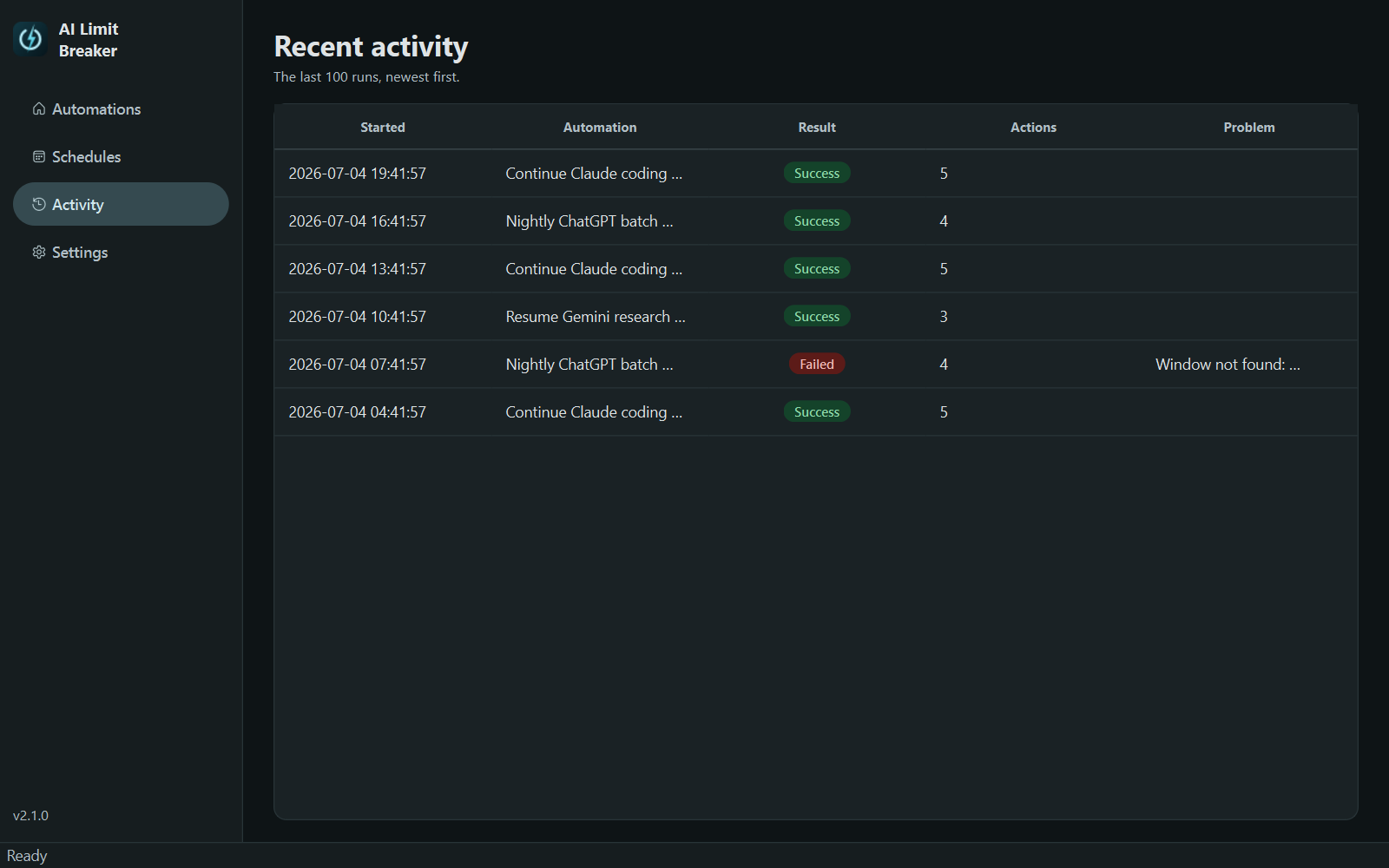
Leave the app open and the PC awake. At run time a visible countdown appears (cancel any run before it starts), your actions replay, and Recent Activity logs every run. A global emergency hotkey stops everything instantly.
Built for accuracy
Clicks are recorded per monitor in physical pixels, so playback lands exactly right across multi-monitor setups and Windows display scaling, even monitors with negative coordinates. Everything is stored locally in one JSON file.